
Dive into UI Design Systems: theory and practice
Take your design skills to the next level with expert advice and practical
insights on Design Systems.
Components Guide
40+
Pages
100+
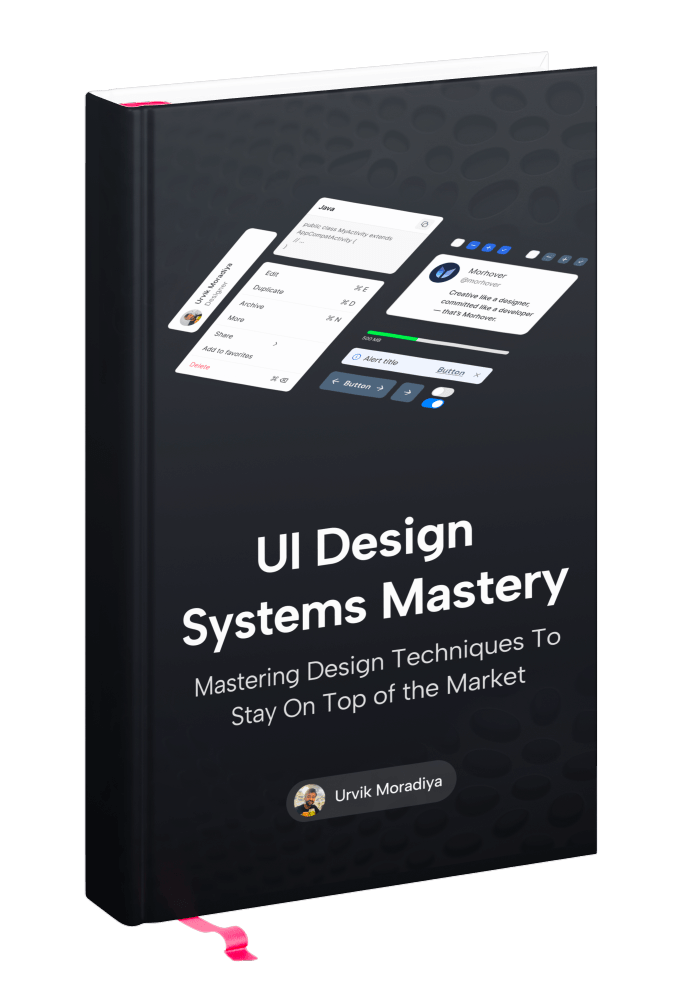
Let’s start with the theory
Explore 15 years of hands-on design experience. This section breaks down the core principles of design systems, sharing practical insights gathered throughout my professional journey.
Are ready to level up your design skills
- Learn core design fundamentals.
- Apply real-world, practical tips.
- Level up your design skills confidently.
Freelancer
Non-Designer
Full-time Designer
Developer
110+ Pages Guide
+ Figma Source File
Patterns & Layouts
Figma Setup
Component Library
System Thinking
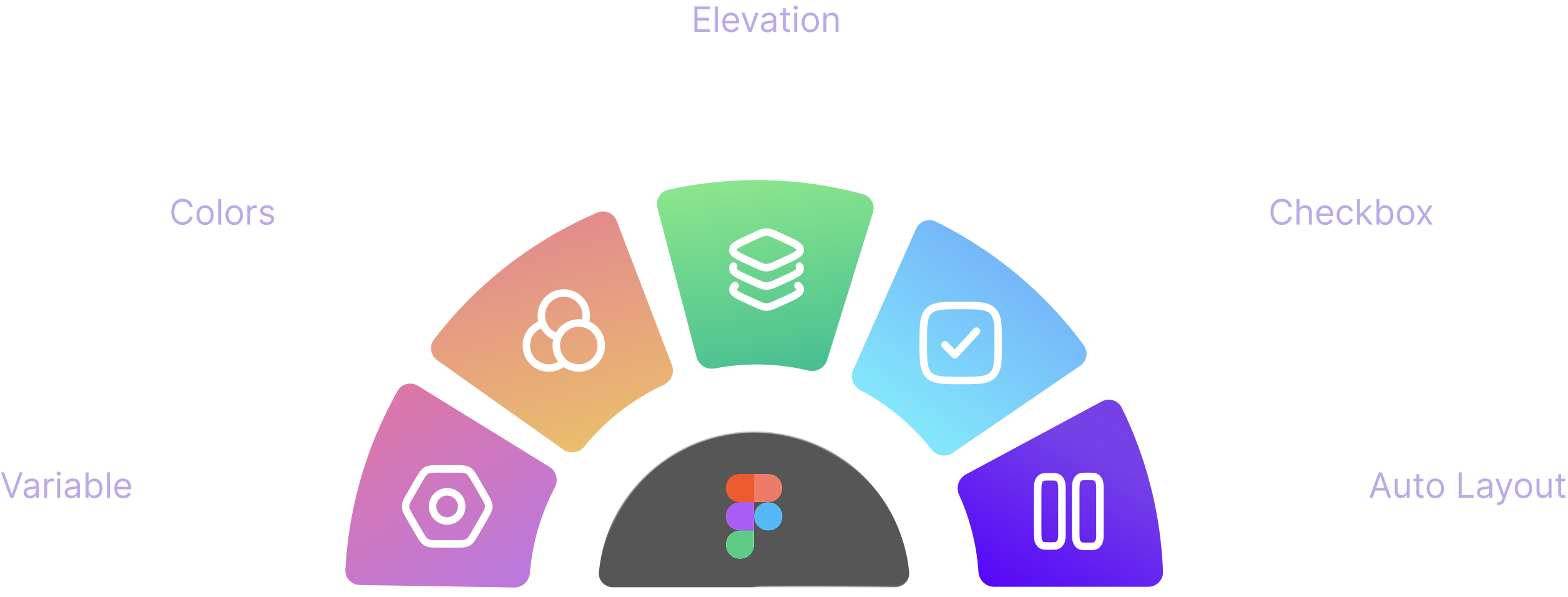
Next, It’s time to dive into practical skills in Figma
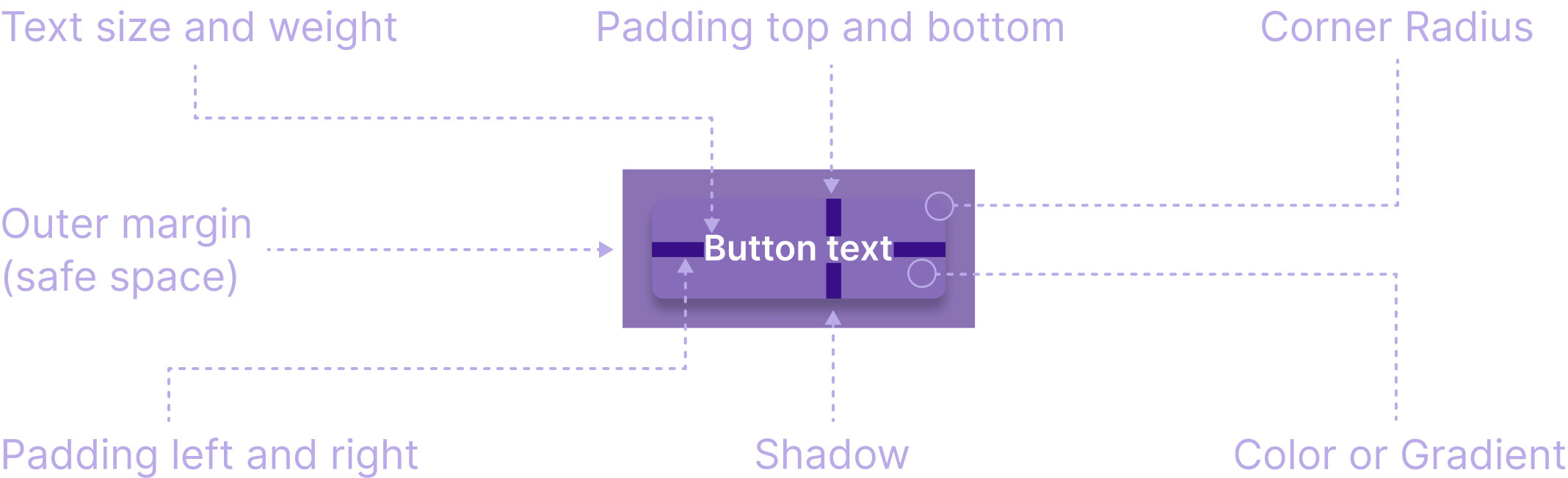
In this part, I share the key steps of creating a Design System in Figma with Detailed tutorials.
Inside
Mastering Design Systems: From Theory to Practice
A comprehensive guide to building a complete design system — blending clear theory with practical, step-by-step Figma implementation.
Foundation
The building blocks of a design system: typography, colors, icons, spacing, grids, and core principles.
- Colors
- Typography
- Dimensions
- Icons
- Grid
- Elevation
- Corner radius
- Design Tokens
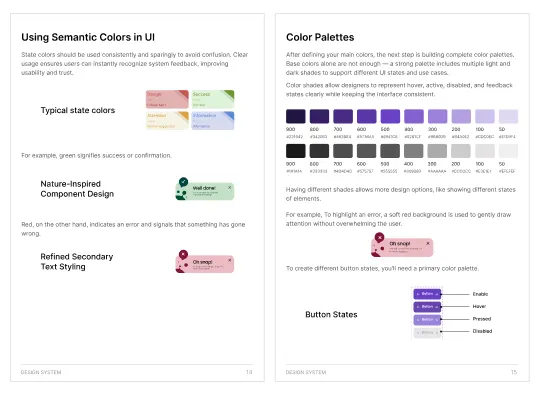
Components
I cover the core elements of Design Systems, how they operate in practice, and how to create them step-by-step in Figma.
- Checkbox
- Radio Button
- Patters
- Categories
- Button
- Text Input
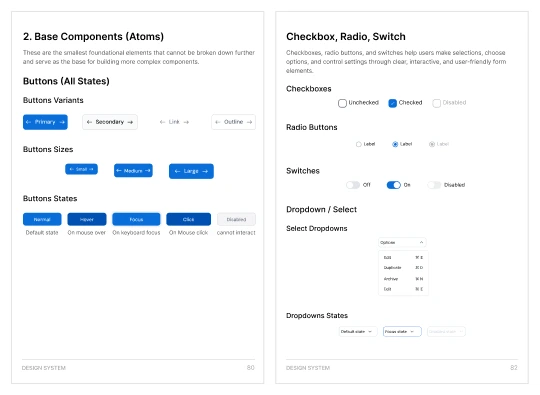
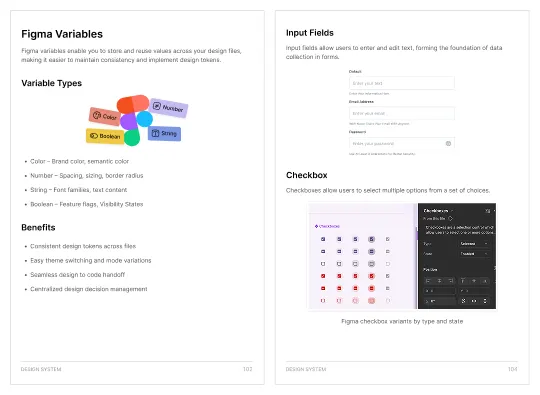
Variables in Figma
How reusable values — colors, text styles — improve consistency and let you update many elements instantly.
- Color variables
- Text styles
- Modes
Free presentation template
Included with your icon set to help you present your projects professionally.
- Get our comprehensive
- eBook + Free Presentation
- Template
- Free Bonus Inside – Limited-time Offer!
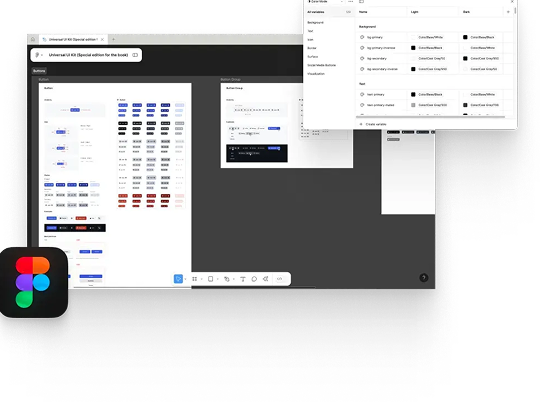
Figma File
Learn faster with the complete Figma file included.
The Figma file contains every concept from the book, letting you see Foundations, Variables, and Components in action as you follow along.
- Foundation
- Variables
- Components
- Examples
About
Hey there!

Hi, I’m Urvik, a product designer with a decade of experience dedicated to building clear, scalable, and user-focused interfaces.
I’m the founder of Morquick, a company driven by the belief that thoughtful design creates meaningful experiences. Over the past two years, I’ve led the creation and evolution of a Universal Design System, refining it multiple times to ensure it works in real-world products—not just as a theoretical framework.
As a founder, I balance design craft with product strategy, ensuring decisions are grounded in business goals while remaining empathetic to users. I focus on building design foundations that reduce friction, speed up execution, and allow teams to adapt as products and markets evolve.
At the core of my approach is simplicity with intent—designing just enough structure to enable flexibility without chaos. I value restraint, clarity, and decisions that age well over time, especially in products meant to grow beyond their first version.
when precision matters, then stepping back to ensure everything supports a cohesive product vision. This perspective helps teams make confident decisions, avoid unnecessary complexity, and build interfaces that feel intentional, consistent, and easy to evolve over time.
Licenses
Grab your copy
Choose the option that suits you best.
eBook + Presentation Mockup
Best for individual designers, freelancers,
indie developers or solopreneurs.
$200 $99
One-time payment
- Single user license
- Free lifetime updates
- 100+ pages eBook (PDF)
- 40+ Componets Guide
- Figma File: Foundation, Components, Variables, and Examples
- Free Presentation Tempalate
- Safety payments provided by Lemon Squeezy.
5.0

5.0

UI Design System
Mastery Ebook
Take your design skills to the next level with expert advice and practical insights on Design Systems.


Trusted by over 800 designers
FAQs
Need help?
Here are answers to our most frequently asked questions.
What is Mastering Design Systems?
Mastering Design Systems is a practical learning program that teaches you how to create, manage, and scale design systems for real-world products.
Who is this program for?
This program is ideal for UI/UX designers, product designers, developers, and design teams who want to build consistent and scalable interfac
Do I need prior experience with design systems?
Basic UI/UX knowledge is recommended, but you don’t need advanced design system experience to get started.
What will I learn from this program?
You’ll learn design system foundations, component structuring, token management, documentation, collaboration workflows, and scaling strategies.
Will I get design system templates?
Yes, you’ll receive ready-to-use templates and resources that help you build your own design system faster.
Can developers benefit from this program?
Yes, developers will learn how design systems improve handoff, consistency, and scalable development.
Is this suitable for teams or individuals?
It works well for both individual designers and teams looking to standardize their design process
Will this help me build enterprise-level design systems?
Yes, the program focuses on scalable, maintainable systems suitable for startups and enterprise products.
Does it cover documentation best practices?
Yes, you’ll learn how to document components, usage rules, and design guidelines clearly.
Can I apply this knowledge to existing products?
Absolutely. The techniques are designed to improve both new and existing products.
How will this improve my design workflow?
It helps reduce design inconsistencies, speeds up design decisions, and improves collaboration with developers.