Start effortlessly using our detailed how-to guide and tutorials
Get started without any difficulty by using a user-friendly “How to Use” guide that provides clear instructions, and then proceed with step-by-step tutorials to help you learn more effectively.
Customizing components and sections is now easier and more flexible than ever.
Variables
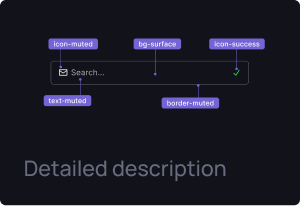
Thanks to Figma variables, you can save time and make it easier to manage the design system.
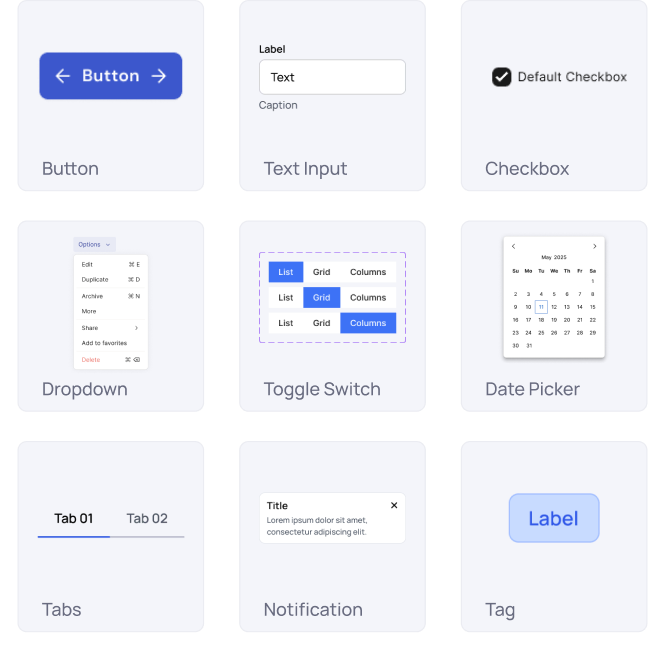
Universal components
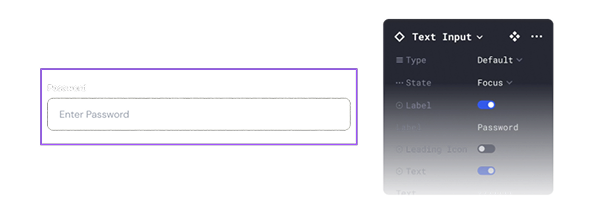
Our components are easily customizable to fit your needs. With just one click, you can
resize, change their type, states, and hide one or more elements.
Responsive components
All the components are based on
Auto Layout, so they can be easily
adjusted to any interface size.
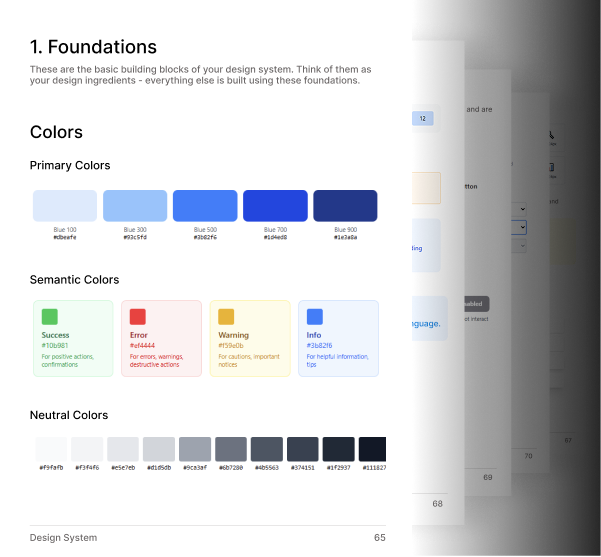
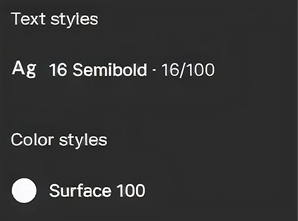
Global styles
Thanks to a unified foundation, you
can easily change fonts and colors to
your own.
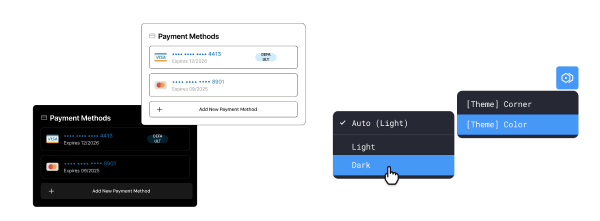
Dark and light theme
A single click is all you need to switch elements and sections from light to dark
themes and vice versa.
File
Everything in One File
Unlock unlimited design power with a well-organized Figma file — accessible anytime, anywhere.
500+ variants of 25 UI Kit components
100+ variants of 9 Data Visualization
components
2 724 high-quality vector icons (908
icons x 3 styles)
Ready-made Sections
Pre-made Templates
Getting Started (Guide)
Compact view
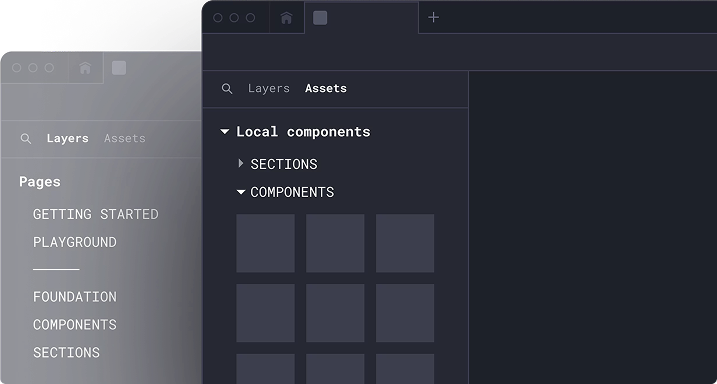
The file structure is simple and easy to start working with it.
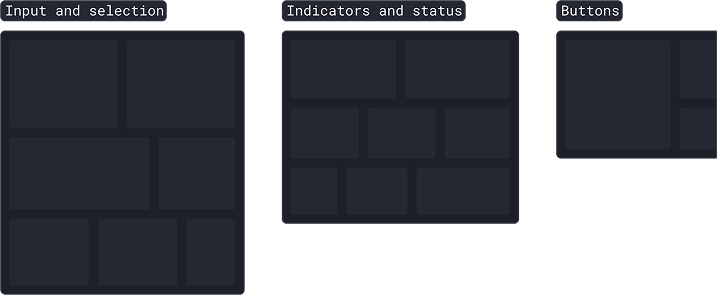
Organized by categories
The assets are organized in a structured system, allowing you
to quickly find the elements you need.
Licenses
Get Universal Data Visualization
Projects require different types of licenses. Choose your one.
Service
A unified component to present service plans with clear, consistent, and scalable pricing layouts.
Pre-built layouts for dashboards & product screens
Consistent typography, spacing & color tokens
Light & Dark mode support
Fully auto-layout based components
Easy customization for brand colors & styles
Updates
Version 1.0 (Jan 1 2026)
Added core UI components & layouts
View all updates →
FAQs
Need help?
Here are answers to our most frequently asked questions.
What is the Universal Design System?
The Universal Design System is a ready-to-use UI framework that provides consistent components, layouts, colors, and typography to help teams design and build products faster.
Who is this Design System for?
It’s designed for product designers, developers, startups, and teams who want to maintain design consistency and speed up their workflow.
What platforms does the Design System support?
The system supports web and mobile products and is structured to work seamlessly with modern frameworks and design tools.
Does it include ready-made UI components?
Yes, it includes buttons, forms, tables, cards, modals, navigation elements, dashboards, and other commonly used UI components.
Can I customize the Design System?
Absolutely. You can easily customize colors, typography, spacing, components, and layouts to match your brand identity.
Is the Design System developer-friendly?
Yes, it follows clean structure, reusable components, and scalable design principles, making it easy for developers to implement and maintain.
Does it support dark mode?
Yes, the Universal Design System includes both light and dark mode styles with consistent accessibility standards.
Is it suitable for large-scale products?
Yes, it’s built to scale and works well for small projects as well as large, complex applications.
Will this help improve design consistency?
Yes, it ensures visual and functional consistency across your entire product, reducing design and development mismatches.
Can I use it for multiple projects?
Yes, the design system is reusable and can be applied across multiple products or client projects.
Does it follow accessibility guidelines?
Yes, the components are designed with accessibility best practices in mind to ensure usability for all users.
How does it speed up product development?
By using pre-built, reusable components and standardized patterns, teams can design and build features much faster.